
Managed Audio Lifecycle
Howler manages loading, playback, pause, switching and cleanup. One player host is active per page; await asynchronous destruction before creating its replacement.
Floating Music PlayerHTML5 AUDIOv1.0.8
Two lines of code. A complete listening experience. Lyrics, themes, and memory playback — every melody feels at home.
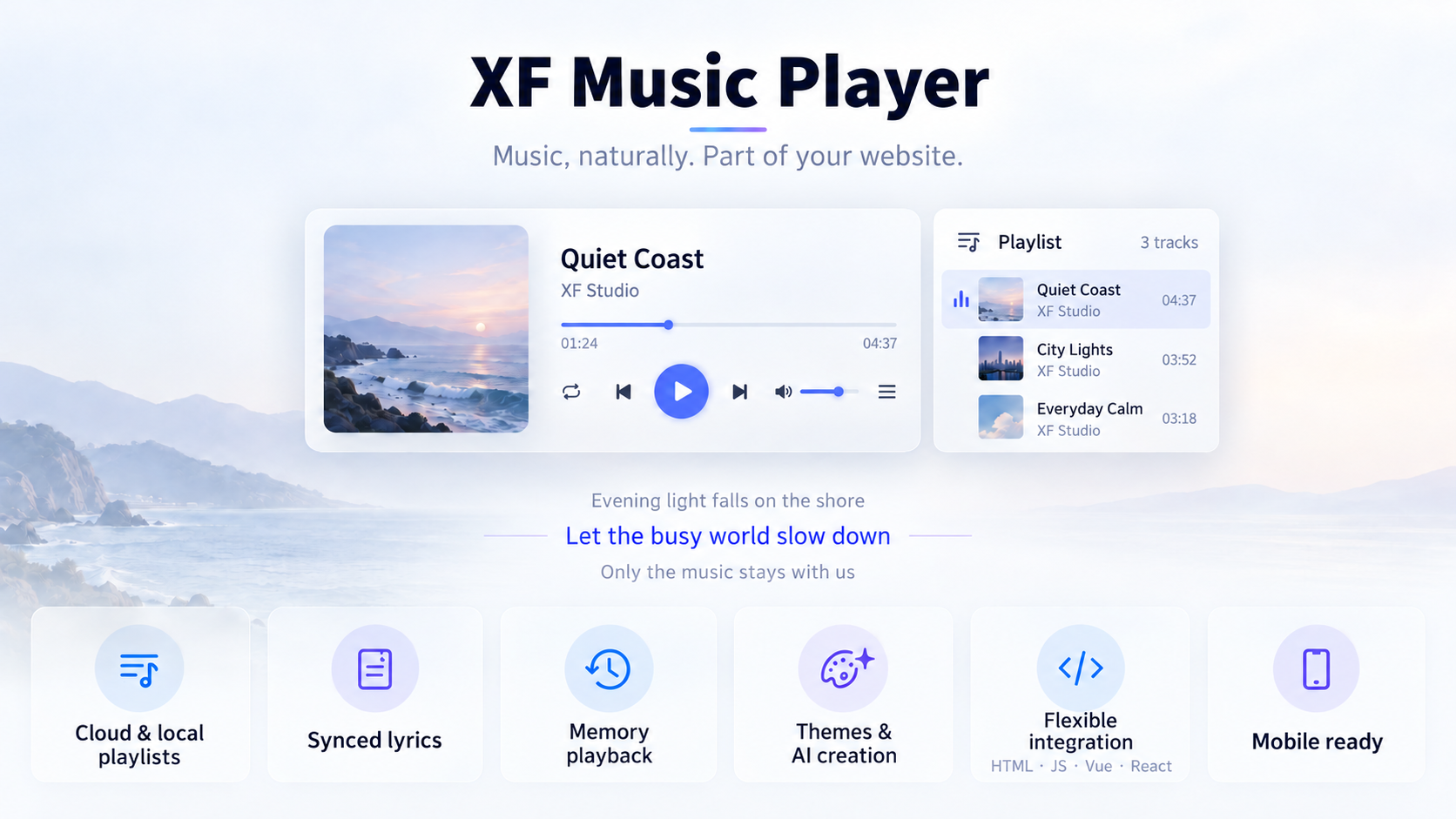
Howler manages loading, playback, pause, switching and cleanup. One player host is active per page; await asynchronous destruction before creating its replacement.
Use Web Component tags, IIFE, ESM, npm, or JavaScript instances in Vue, React, and static pages.
Delayed rendering, lazy loading, request cancellation, and state throttling reduce first-screen and runtime overhead.
Built-in themes, random themes, automatic themes, CSS variables, and custom theme styles adapt to different brands.
Supports LRC, structured lyrics, external lyric URLs, bottom lyrics, fullscreen lyrics, and race-safe switching.
Tab, Space, and arrow-key controls skip inputs and sliders while remaining compatible with macOS and Windows.
Order, repeat-one, shuffle, memory playback, and autoplay can be controlled by attributes or instance APIs.
Use cloud api-url, local playlists, or audioProvider with playlist refresh, skip, and consecutive failure protection.
The debugger configures cloud APIs, local playlists, themes, volume, and playback options, then generates integration code.
Add a visual listening entry for music, podcast, and content products.
Add fixed music playback without taking over the main content area.
Manage playlist, playback mode, memory state, and themes with one API.
FAQ
Xiao Feng Music Player (XF Music Player) is an embeddable HTML5 music player plugin built with Lit Web Components and Howler. supports playlists, lyrics, themes and playback memory for websites, blogs and web applications.
Explore player capabilitiesInstall the npm package or load a published CDN file, then use a Web Component tag or a JavaScript instance. Vue, React and static HTML pages are supported. Complex options such as playlist objects, audioProvider and lifecycle hooks must be passed through JavaScript.
View integration examplesThe integrating application supplies playlist data and audio URLs. Cloud mode fetches playlists through apiUrl; local mode uses playlist or audioProvider. A custom audioProvider takes precedence over the built-in cloud request, and playback requires an accessible audio URL.
Configure data sourcesNo. The player reads available audio properties, tags, cover art and lyrics from FLAC, WAV and AIFF / AIFF-C files. Metadata parsing and audio decoding are separate capabilities: playback depends on the target browser and the file codec. The player does not transcode audio.
Read the metadata guideA page has one active player host because playback state and audio management are shared. Await the old instance’s destroy() before creating a replacement, and confirm that the destination page is still active. Changing tagName does not create isolated concurrent players.
Read the lifecycle contractautoplay only attempts playback; browser gesture policies or embedding permissions may still block it. isAutoPopup only expands the interface. Use the online debugger to configure APIs, playlists and playback options, click play to verify them, then generate integration code.
Open the online debuggerThis site is only for Xiao Feng Music Player product display, documentation, and feature debugging. Demo audio, covers, lyrics, and third-party API data are for demonstration only. Please verify copyright, API compliance, and usage scope before production integration.
Contact: 1809185784@qq.com; Name: Xiao Feng